
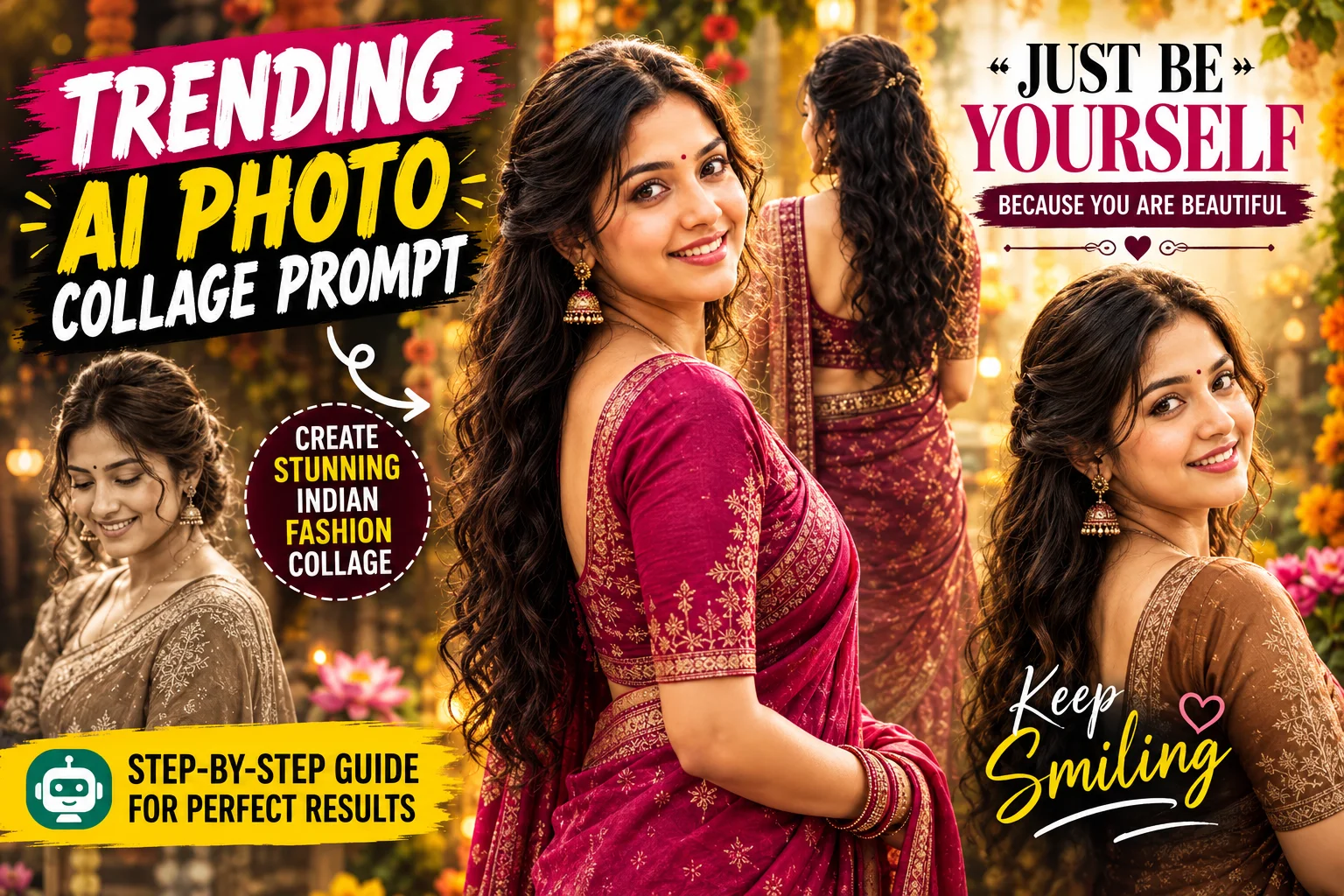
Creating a stylish fashion collage no longer requires professional photography or advanced editing software. With an AI photo editing tool and a well-written prompt, you can transform a portrait into a creative multi-pose composition.
Indian fashion works particularly well for this type of design. Sarees, warm colors, soft lighting, golden bokeh, and elegant studio backgrounds can create a polished editorial appearance.
In this guide, you’ll find two AI photo collage prompts covering different visual approaches. The first uses an uploaded photo as an identity reference, while the second creates a new South Asian fashion character with a different facial identity.
What Is an AI Photo Collage?
An AI photo collage combines multiple portraits or visual elements into one composition.
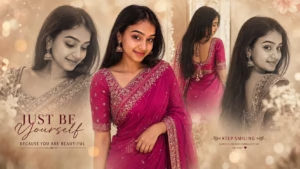
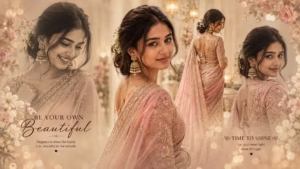
Instead of displaying a single photograph, the design can show the same subject in several poses or perspectives. For example, a large color portrait can appear in the center while faded monochrome portraits and a back-view image are blended into the surrounding composition.
The final result can resemble an editorial fashion layout while still maintaining a relatively simple photographic structure.
Why This Indian Fashion Collage Style Stands Out
This style combines traditional Indian clothing with a modern editorial treatment.
A saree provides a strong visual focal point, while multiple poses create variety within the same frame. Warm beige backgrounds, golden bokeh, soft shadows, and subtle film grain can add depth without making the composition feel overly complicated.
The use of typography also gives the collage a magazine-inspired appearance.
Because the concept can be customized, you can experiment with different saree colors, poses, backgrounds, accessories, and text while keeping the overall collage structure.
AI Photo Collage Prompts
The two prompts below are based on different image-generation approaches.
Prompt 1 is designed around an uploaded image and specifically preserves the person’s identity.
Prompt 2 creates a South Asian woman with a completely different facial identity rather than using an uploaded person as an identity reference.
Prompt 1: Indian Fashion Collage With Your Uploaded Phot
How to Create an AI Fashion Collage
Start with a clear photograph if you are using the first prompt. A well-lit image with a visible face gives the image tool a better reference.
Upload the photo to your supported AI image tool, paste the relevant prompt, and generate the collage.
If you are using the second prompt, the prompt itself describes the South Asian fashion subject, so an uploaded identity reference is not required by the prompt.
After generation, inspect the face, hands, saree, poses, typography, and overall composition. If something looks unnatural, try another generation or make a small change rather than rewriting the entire concept.
You can also experiment with different saree colors, backgrounds, poses, accessories, and text while retaining the basic collage structure.
Gemini or ChatGPT for AI Photo Editing?
Both Gemini and ChatGPT can be used for AI image-related workflows, but the exact capabilities and results depend on the tool version and the type of image task.
For this particular concept, the important factor is the ability to work with the required reference image and follow a detailed description of clothing, poses, composition, lighting, and background.
Rather than assuming one tool will always produce the same result, you can compare the generated images and use the workflow that gives you the visual result you want.
How to Get Better AI Photo Collage Results
Use a clear, high-quality reference image when the prompt requires an uploaded photo.
Avoid heavily filtered or blurry images because important facial and appearance details may be difficult for the image tool to interpret.
Keep the instructions specific. Mention the clothing, poses, background, lighting, composition, and aspect ratio that matter most to the design.
If identity preservation is important, make that requirement explicit, as demonstrated in the first prompt.
You can also make controlled changes between generations. Try changing only the saree color, background, pose, or lighting rather than changing every part of the prompt simultaneously.
Common Mistakes to Avoid
A low-quality reference photo can make the final portrait less consistent.
Another common problem is overloading the prompt with contradictory instructions. A collage already contains several visual elements, so the composition benefits from clear priorities.
Excessive skin smoothing and unrealistic beauty changes can also make the result look artificial.
Pay attention to the generated text as well. AI-generated typography can sometimes contain errors, so inspect quotes such as “JUST BE YOURSELF” and “KEEP SMILING” before publishing the image.
Finally, check faces, hands, clothing, crops, and overlapping portraits before sharing the finished collage.
Frequently Asked Questions
Can I create this AI photo collage with my own photo?
Can I create this AI photo collage with my own photo?
Which photo works best for AI editing?
A clear, well-lit photograph with a visible face is generally more useful than a blurry, heavily filtered, or extremely dark image.
Can I change the saree color?
Yes. You can modify the saree color while keeping the broader collage concept, poses, background, and editorial styling.
Can I create the collage in another aspect ratio?
Yes. The first prompt specifies a 16:9 landscape composition, but you can modify the aspect ratio when your intended platform requires a different format.
Why can AI change the face?
AI image generation can alter facial details while constructing a new scene or combining multiple portraits. Clear reference images and explicit identity-preservation instructions can help when maintaining the same person is important.
Can I add my own text?
Yes. You can request specific typography in the prompt or generate the collage without text and add the wording later with an image editor.
Conclusion
An AI photo collage prompt can turn a simple portrait into a multi-pose Indian fashion composition with sarees, cinematic lighting, warm backgrounds, and an editorial aesthetic.
The two prompts in this guide provide different approaches: the first is designed around an uploaded identity reference, while the second creates a new South Asian fashion subject with a different facial identity.
For better results, start with a suitable reference image when required, keep the visual instructions clear, and inspect the generated faces, hands, clothing, typography, and composition before sharing the final image.
