
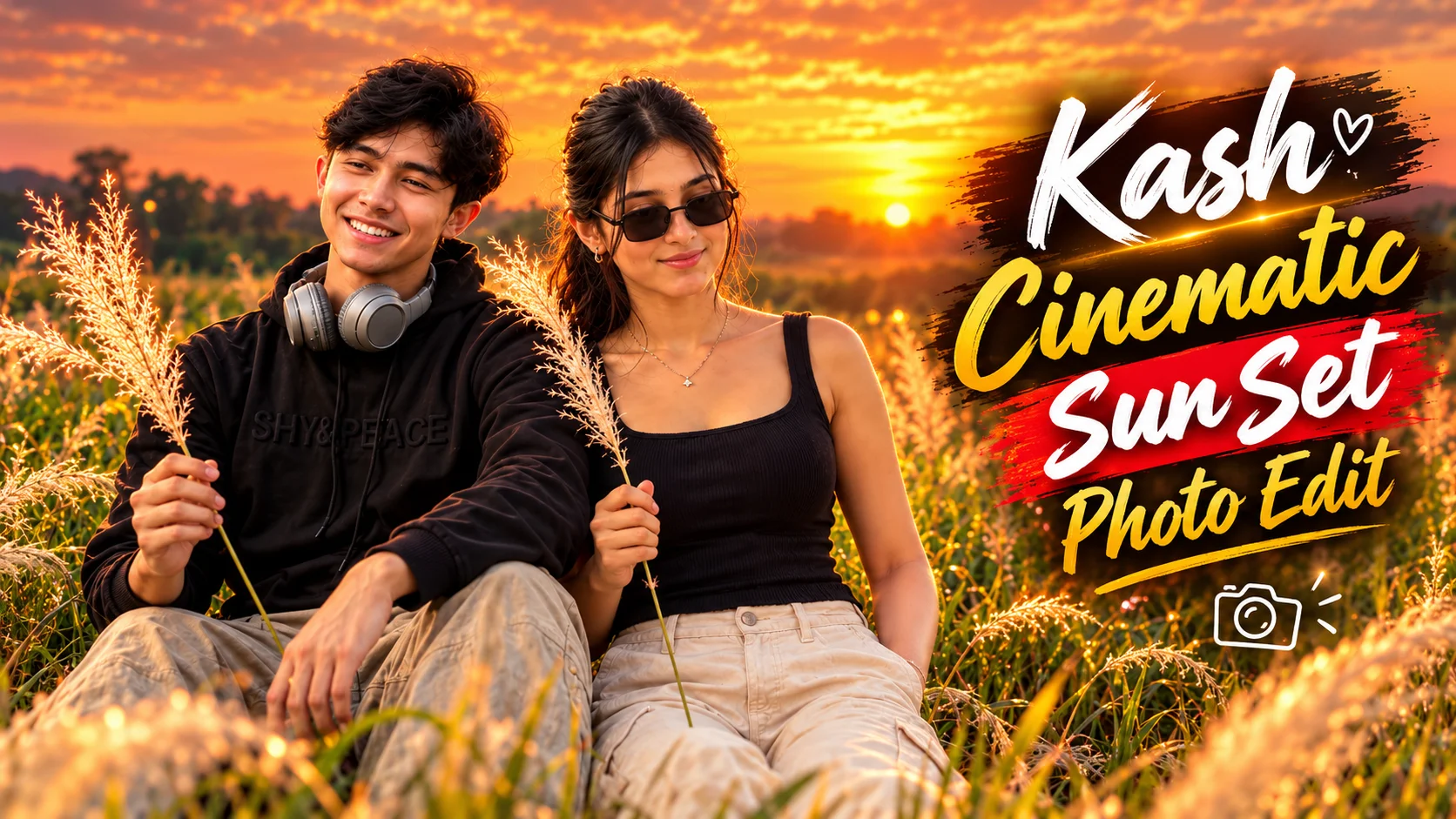
Kash grass fields can create a simple but visually striking setting for outdoor portraits. Tall white grass, open green fields, soft sunlight, and a colorful evening sky can turn an ordinary reference photo into a peaceful cinematic composition.
The main advantage of this editing concept is that the person does not need to be replaced or redesigned. The goal is to preserve the original face, hairstyle, body proportions, skin tone, and clothing while changing the environment, pose, light, and overall mood. Pasted text
The two prompts below follow that same identity-preserving approach while creating a natural seated portrait surrounded by white Kash or Kaash grass.
What Is Kash Grass?
Kash grass, also commonly written as Kaash grass, is a tall grass known for its soft white feathery flowers. It is often found in open countryside areas and green fields. Pasted text
When photographed around sunset, the white plumes can catch warm sunlight and create a soft glow around the subject. The contrast between white grass, green vegetation, and peach, pink, orange, or golden skies gives the scene a calm cinematic appearance.
This visual simplicity is one reason Kash grass portraits work well for social media. The scene does not need complicated objects or elaborate decorations; the person, grass, greenery, and sunset can carry the entire composition. Pasted text
Kash Grass AI Photo Editing Prompts
Prompt 1: Cinematic Golden-Hour Kash Grass Portrait
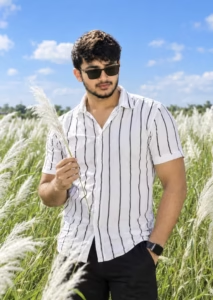
Prompt 2: Dreamy Sunset Kash Grass DSLR Portrait
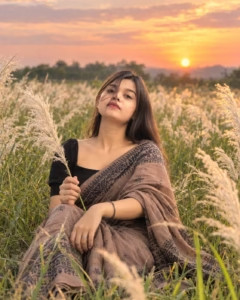
How to Create a Kash Grass AI Portrait with ChatGPT
Start with a clear reference photo of yourself. The face should be visible, and the image should ideally have reasonable lighting and enough detail for the AI to understand your natural appearance.
Open ChatGPT in a conversation that supports image creation or editing. Upload your photograph using the attachment option, then copy one of the Kash Grass prompts above and paste it into the chat.
Send the image and prompt together. The source workflow follows this same basic process: copy the complete prompt, upload a clear photo, generate the new portrait, and review the finished result before saving it. Pasted text
Pay particular attention to the face, clothing, pose, hands, grass, and background. Both prompts specifically require the original outfit to remain unchanged, so regenerate or request a correction if the clothing is replaced.
Why Preserving the Original Outfit Matters
This Kash grass concept is different from many fashion prompts because the original clothes are part of the identity-preservation requirement.
The goal is to move the same person into a new environment rather than redesigning the entire subject.
If you tell the AI to preserve the clothing but simultaneously request a new outfit, those instructions conflict with each other. The source specifically identifies contradictory clothing instructions as a common cause of inconsistent results. Pasted text
For this article’s prompts, keep the original clothing intact and let the new field, pose, lighting, and sunset create the transformation.
Choosing the Right Reference Photo
A high-quality source image gives the AI a stronger visual reference.
Avoid photographs where the face is extremely blurred, very dark, or heavily hidden. Facial identity is more difficult to maintain when important details are missing.
The source also recommends using a clear, good-quality image with the face visible and reasonable lighting. Pasted text
How to Make the Sunset Look Natural
The sunset should support the portrait rather than dominate it.
Soft peach, pink, orange, and golden tones fit the supplied concept, while distant greenery and subtle clouds help create depth.
Avoid making every part of the sky extremely saturated. A realistic golden-hour photograph usually contains gradual color transitions rather than intense solid colors.
The subject’s lighting should also make sense relative to the sunset. Skin, clothing, grass, and shadows should appear to belong in the same environment.
Best Photo Size for Social Media
A vertical portrait works well for Instagram posts, Reels covers, profile-oriented content, and mobile wallpapers.
When framing the subject, leave enough space around the head and body instead of placing the person directly against the edge of the composition.
The Kash grass can then fill the surrounding foreground and background while the person remains the main focal point. Pasted text
Common Mistakes to Avoid
Using a Blurry Reference Photo
If the face is unclear or heavily covered, preserving identity becomes more difficult.
Giving Contradictory Clothing Instructions
Do not ask the AI to keep the original outfit and replace it at the same time. Both prompts in this article intentionally preserve the original clothing.
Adding Too Many Effects
The strength of this scene comes from its simplicity: green field, white Kash grass, sunset, and a natural pose.
Too many unrelated effects can make the image feel artificial. Pasted text
Ignoring Hands
The subject holds a Kash grass plume in one hand, so check that the fingers, hand position, stem, and grass flower connect naturally.
Making the Background Too Artificial
If the sunset or grass field looks synthetic, simplify the environment and reduce unnecessary effects.
How to Improve an Imperfect Result
Do not immediately rewrite the entire prompt when one detail is wrong.
If the face changes, strengthen the identity-preservation instruction.
If the hands look unnatural, request realistic anatomy and natural positioning.
If the clothing changes, explicitly repeat that the original outfit must stay unchanged.
If the field or sunset looks artificial, simplify the background and reduce excessive visual effects.
Small targeted corrections are generally more useful than changing everything at once. Pasted text
If you also like natural outdoor portrait styles, you can explore our realistic candid street photo prompts for additional reference-image portrait concepts using natural lighting and believable environments.
Frequently Asked Questions
What is a Kash Grass AI photo editing prompt?
It is a prompt designed to transform a reference photograph into a portrait featuring tall white Kash or Kaash grass, green countryside surroundings, and a cinematic outdoor atmosphere.
Can I use my own face?
Yes. The prompts are specifically designed to use an uploaded personal photograph as the identity reference. A clear photo with a visible face is preferable.
Will AI keep my face exactly the same?
AI image tools can still introduce facial variation, particularly when the reference image is unclear. Strong identity-preservation instructions and a good source photo can improve consistency.
Can both men and women use this prompt?
Yes. The concept is not limited to one gender. The person’s original identity, appearance, and clothing can be retained while the environment and pose are changed.
Can I keep my original clothes?
Yes. Both prompts in this article specifically require the original outfit to remain unchanged.
Can I change the sunset colors?
Yes. You can adjust the evening tones while keeping the central Kash grass concept. Peach, pink, orange, and golden colors are especially compatible with this style.
Conclusion
Kash grass AI photo editing is a straightforward way to transform an ordinary personal photo into a calm outdoor portrait without replacing the person’s natural identity or clothing.
The visual concept depends on only a few important elements: tall white Kash grass, a green field, warm sunset colors, a relaxed seated pose, and believable photographic lighting.
Both prompts preserve the original face, hairstyle, body proportions, and outfit while changing the surroundings and pose. That balance is what helps the finished portrait feel more like an outdoor photoshoot and less like an artificial character generation.
For better results, start with a clear photograph, keep the background simple, preserve realistic anatomy, and make focused corrections when necessary. Pasted text
